If you have any questions, feel free to reach out to us via our socials!
My Gaming System
I prefer the 1000 PS Vita over the 2000 because of its OLED screen display and it's 720p display. You will h ave to do some research to find it on your own, but it should nt be too hard.
Here is a YouTube Playlist I used to jail-break my vita, which a necessary step to have in order to record your gameplay footage.
Link here: https://www.youtube.com/playlist?list=PLHRw9xxNgaWxn_L8tIFewBcnV2xkLen1G
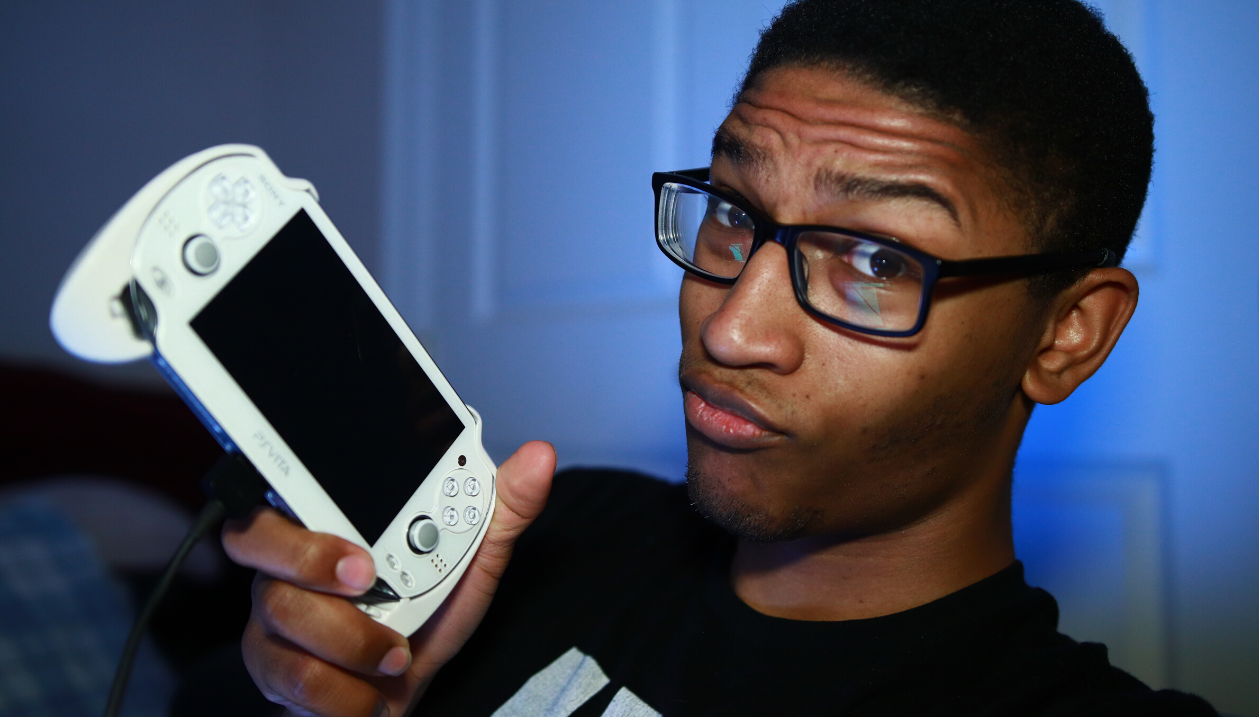
PS Vita 1000 (White)
Or watch here on my website
If you are a mobile user, you will need to rotate your screen horizontally in order to see full screen.
My USB Hub
Sabrent 60W 10-Port USB 3.0 Hub Includes 3 Smart Charging Ports with Individual Power Switches and LEDs + 60W 12V/5A Power Adapter. Link here: https://amzn.to/2BmWlIS
Cons: The blue ports are for connecting and the black ports are for charging, none of the ports can do both
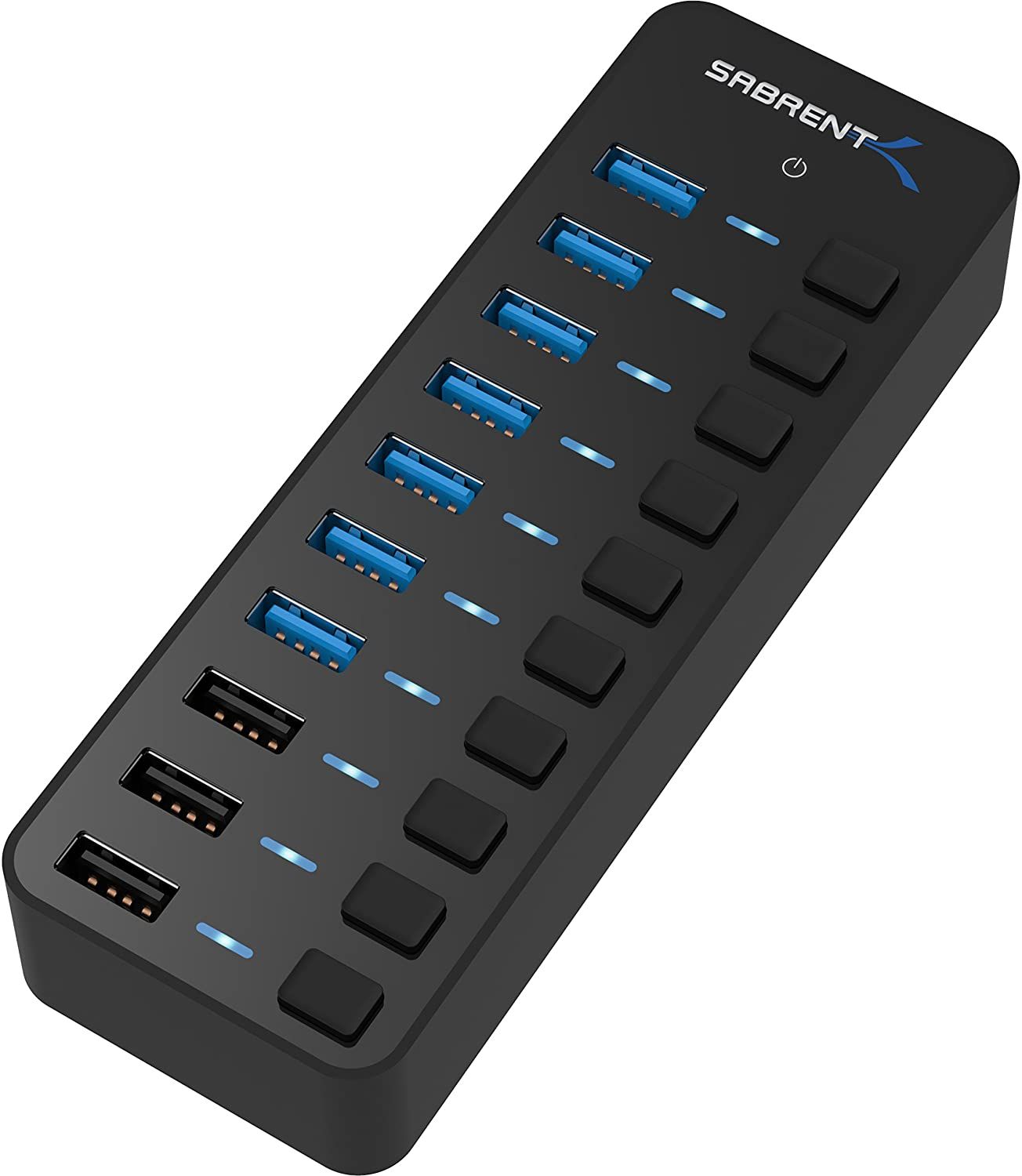
Sabrent 60W USB port
My Webcam
I use this camera as my webcam. It offers a high quality footage unlike any regular webcam. Link here: https://amzn.to/2Xsr8Na
To see the quality of this camera, check out my gaming YouTube channel here: https://www.youtube.com/channel/UCgyxGub4aoCp1WktXAC1WqA and consider subsribing for mor fun gameplay.
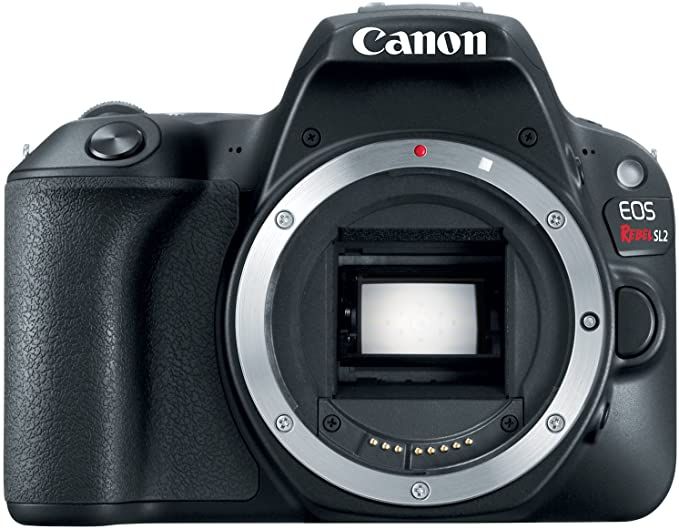
Canon Sl2 (200d)
EOS Webcam Utility Beta (free software)
Earlier in April 2020 Canon released this beta software during the coronavirus pandemic to the public, and now all the canon cameras that this software is compatible with can now be used as webcams right after downloading the software and restarting your computer, its as simple as that. If you have multiple and different canon cameras, you will need to download the specific sofware(s) for your camera(s).
Note that at the time of this post, your camera will ONLY project video into your stream, not audio, so I reccommend using a USB mic and pluging that directly into your computer. In my set up I am using
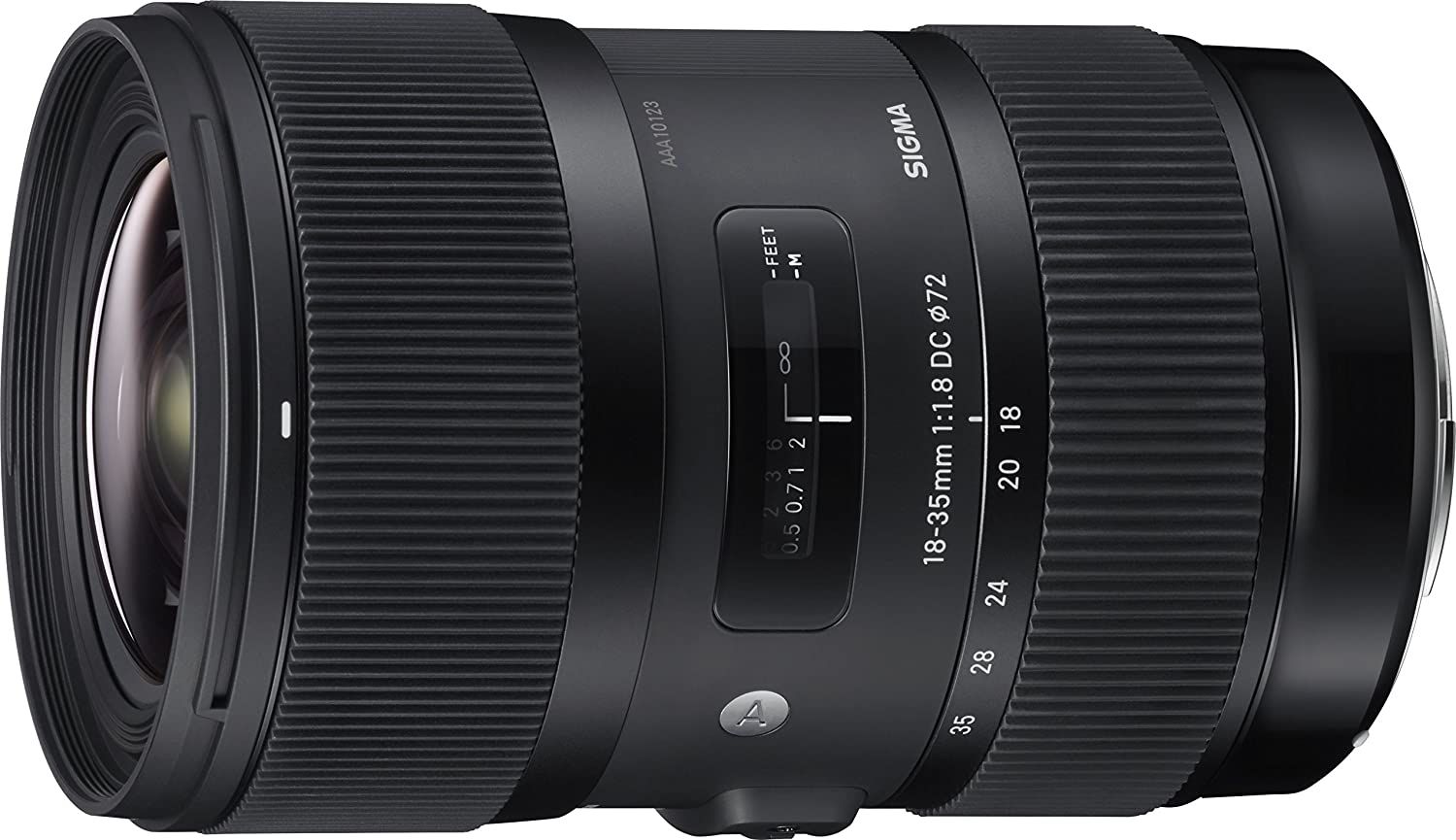
Sigma 18-35mm F1.8 lens
This wide angle lense allows me to have the my camera close to me when recording gameplay, and with an aperture of F1.8 its great for low light areas, or having a blurry back ground in well lit areas.
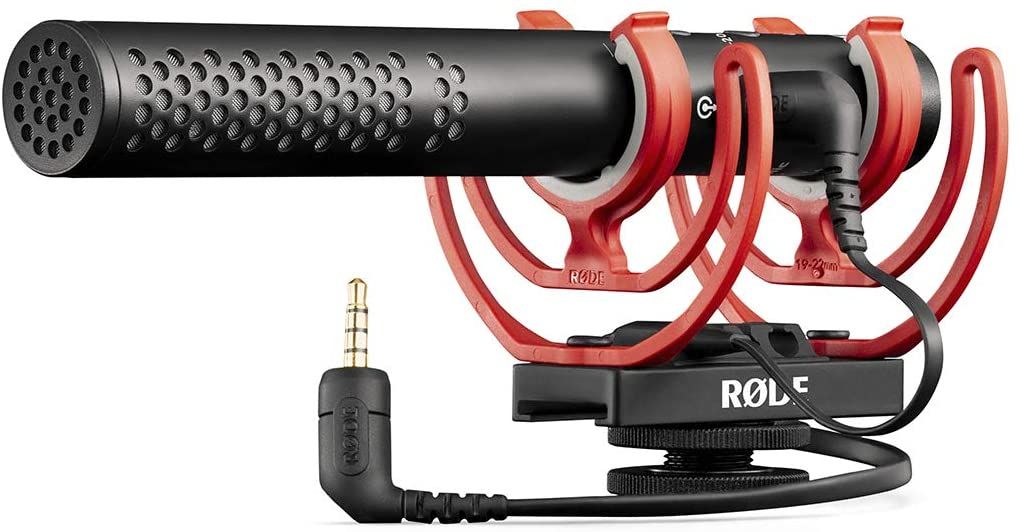
RODE VideoMic NTG
This mic also has a usb cable that comes with it that you can use to record your audio by plugging it into the Sabrent usb splitter. Gain control knob on the bottom of this thing also come in handy if you are in an area with alot of background noise. Link here: https://amzn.to/3gS29dS
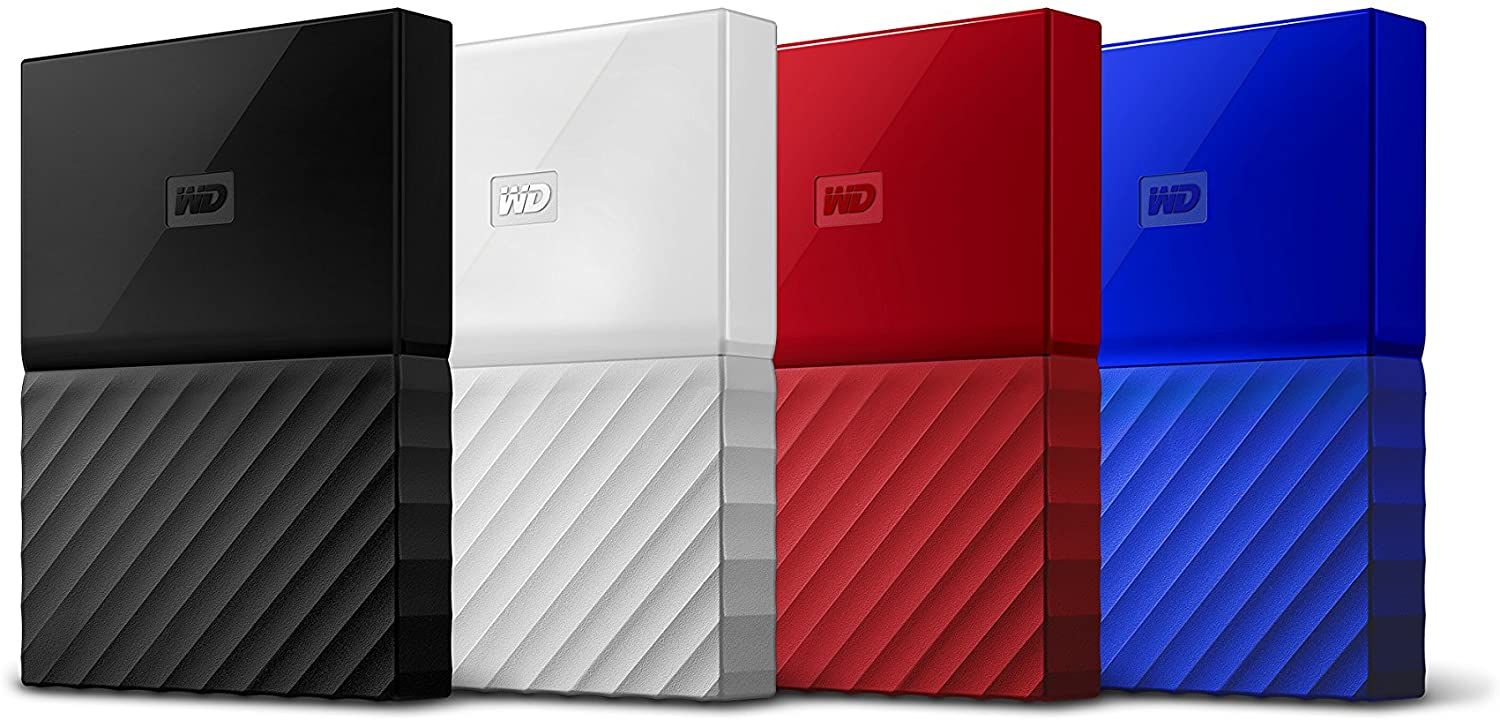
WD 1TB My Passport Portable External Hard Drive
So I use this to save the gameplay recordings that I make using OBS studios. Plenty of space so that I can store a lot of footage without worrying about how long I am playing. 1 terabyte (TB) is huge by the way, I have been using it to store all of my work from the past year, and it is only halfway full now.
I have the blue one of these, and as useful as it has been, it has also been a headache, and it also stopped working on my at the time of writing this blog, I believe it is just a cord issue which I can replace after this pandemic.
WINDOWS Users beware, this device has a horrible time recognizing this device for some reason, and they are actually notorious for this. However I found out to late! Link here: https://amzn.to/2Y2eB1V
I now reccommend getting a solid state drive (SSD) external hardrive, because I hear that they are faster and don't disconnect as easily because there are no movong internal parts like these regular hard drives.
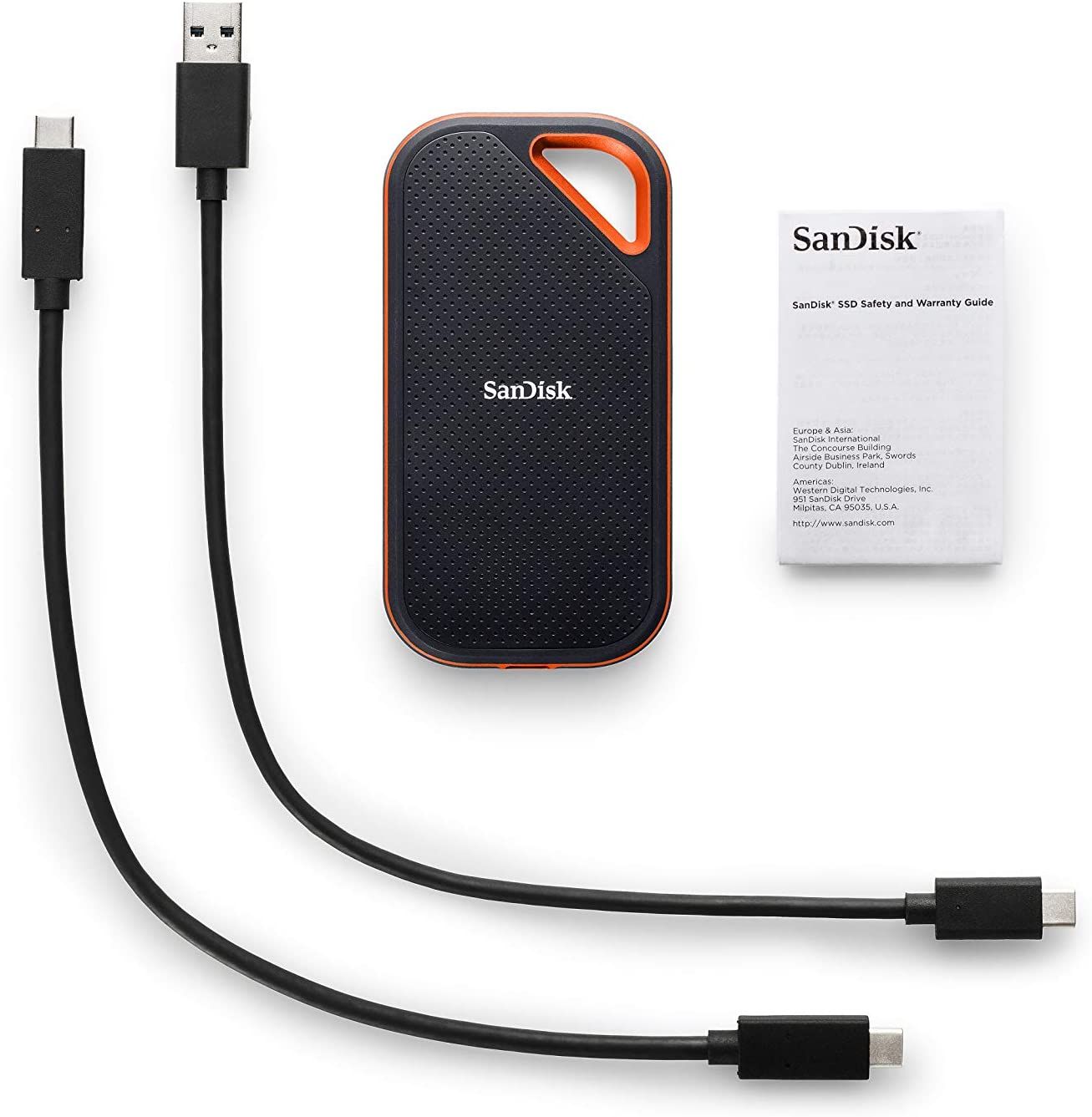
The SSD I am purchasing to replace this
SanDisk 1TB Extreme ProPortable External SSD
I will update this blog after I have tested it out. But I am purchasing this because my WD external hard drive currently isn't working.
Pros: Has fast reading and writing speeds as well
Link here: https://amzn.to/2A4VDjj
Youtube video that helped me come to this decision: https://www.youtube.com/watch?v=AZ5ESo3I8ko
Lights
This is a paragraph. Click edit and enter your own text. You can make changes like making the text bold, underline or italic. This is a great place for you to tell your clients more about your story and to describe the type of photographer you are. You can come back at any time to make more changes.
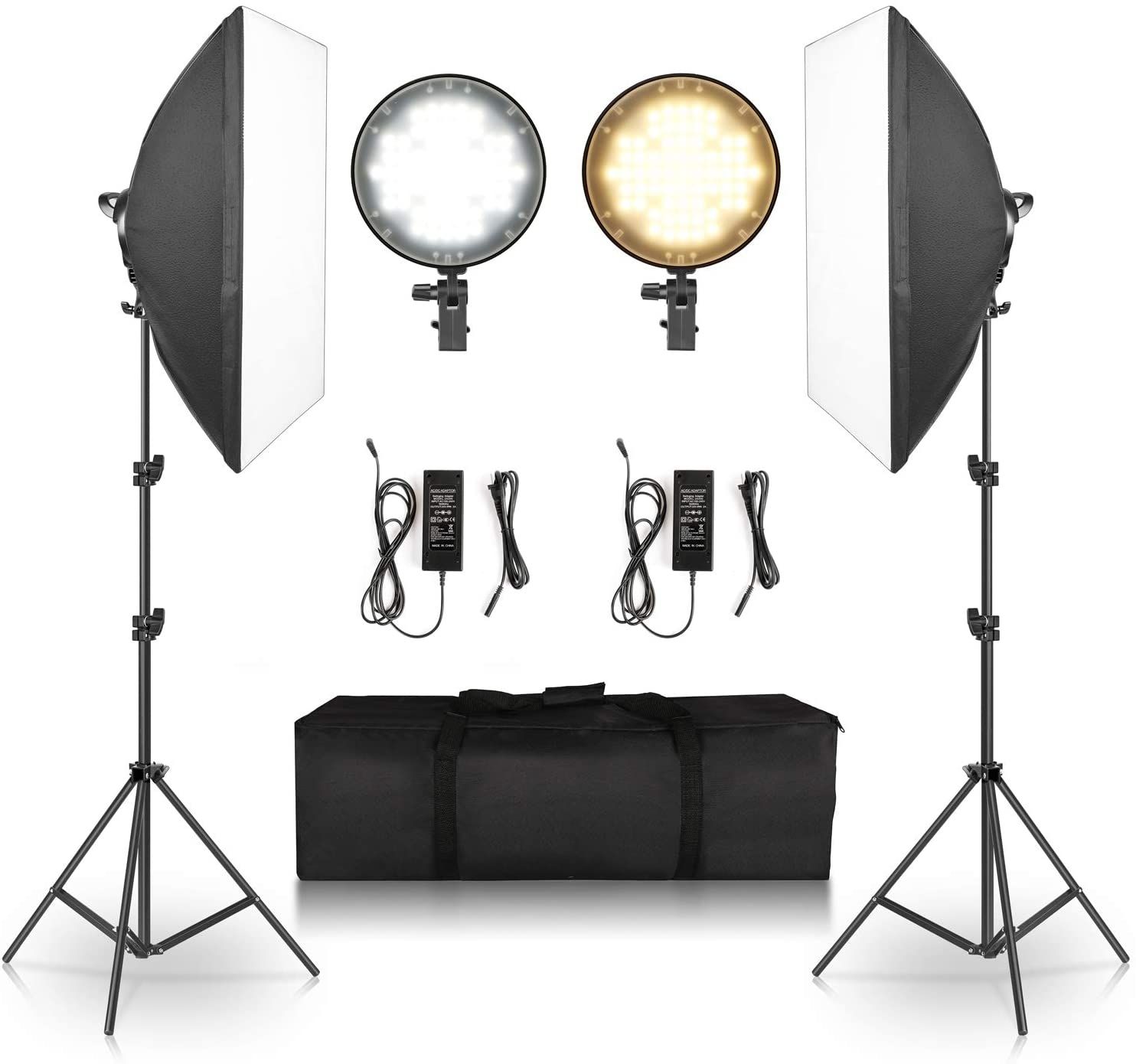
Click or tap image to be taken to download link
Open Brodcaster Software (OBS) Studio
This is the free software that I use to record gameplay. I find it pretty easy to use and I there are plenty of tutorial you can find to help you set it up.
That's All Folks!
That wraps up all of the things I use to make my gaming YouTube videos, if this helped you out, please share it with others who could benefit from this too. And below is a list of gear I have purchased so I can livestream and chat with you guys
Recently Added Gear so I can get into Livestreaming
The following are things that I've purchase to improve the quality of my setup, but I have not tested it yet, so I encourage you do some research before purchasing any of these.
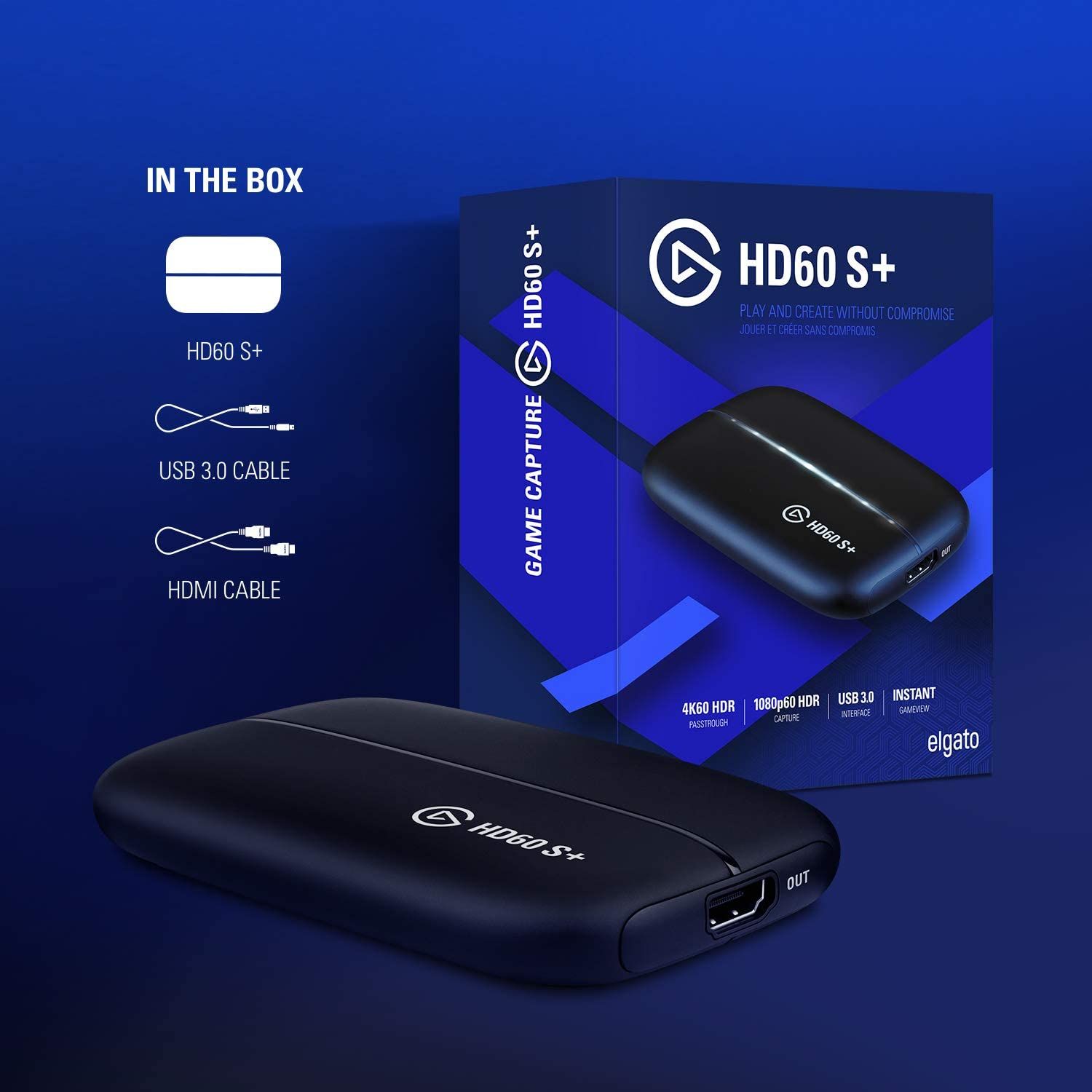
Elgato HD60S+
I know what your thinking, Why purchase and capture card that can handle 4k video capture when the pageplay you are recording is only 720p. An that is because I am building a production and entertainment company, and I am future proofing myself for more exciting gameplay to come!
HDMI to USB Adapter
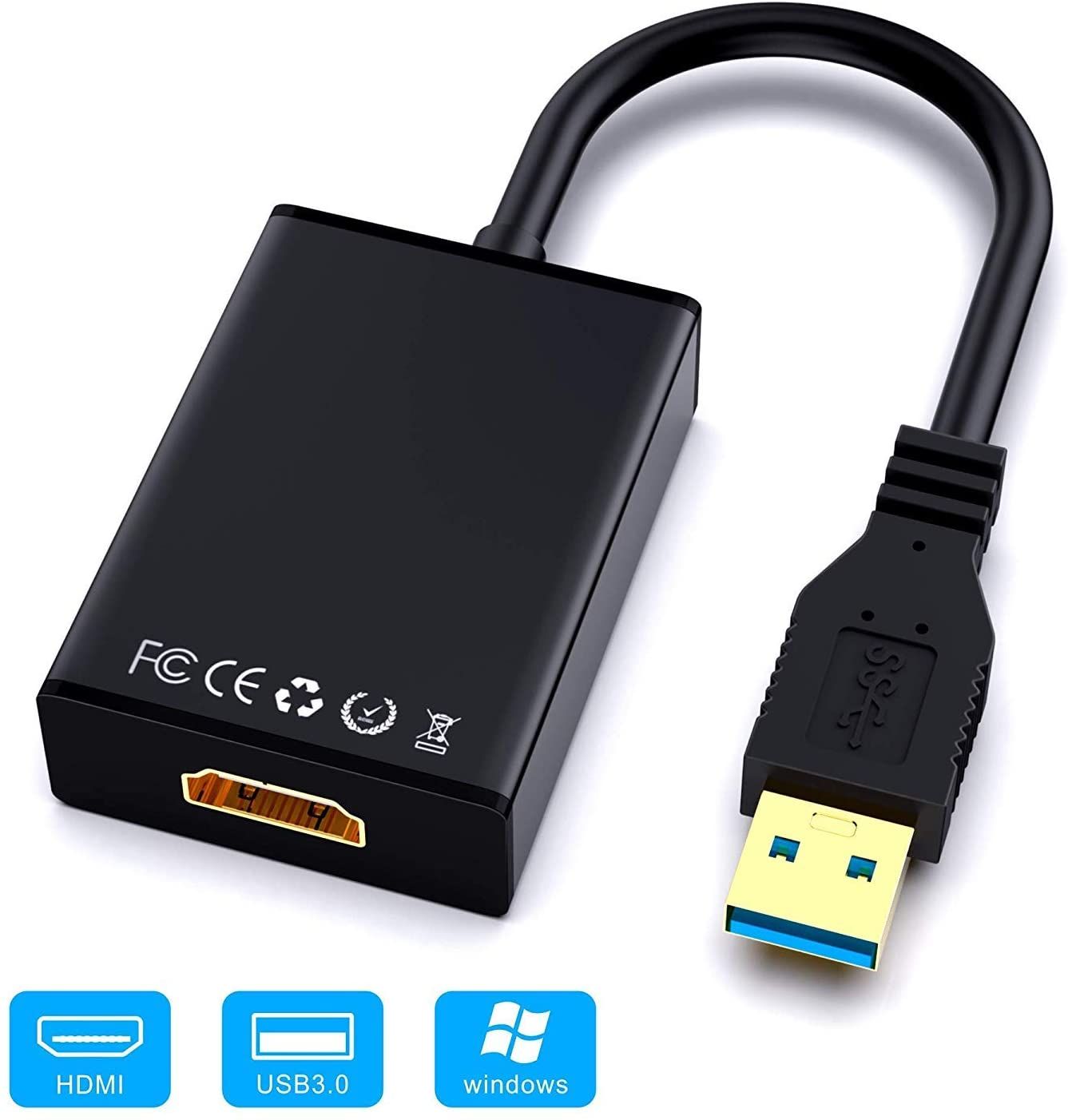
This USB Female to HDMI Male HDTV Adapter Cable is how I Connect my PS Vita to my Elgato HD60S+. This actually took a couple days to look for because it's only made in China. For what reason, I'll never know...
Also found it on Ebay. Link here: https://www.ebay.com/itm/372987417107 From the seller " dolphindoria8" if this all worlks out, I'll let you know if they are legit or not.
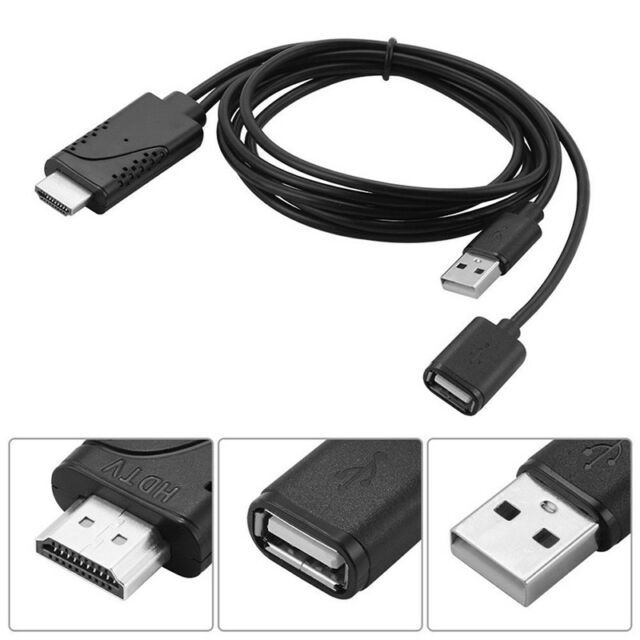
USB to HDMI Adapter
Bought this as a backup incase I needed it. I will update with further info.